Occasions · Weddings
Wedding invitations your guests will actually open
An animated video to send on WhatsApp, a matching card, and a page with the details, a map and a reply button. One ceremony or a week of them: welcome dinner, mehndi, sangeet, nikkah, pheras, vows, reception…
Free to design and preview. No app for you or your guests.
Designs for a wedding
Our picks for this occasion. Each comes in several colourways, and every other design in the gallery can be used too.
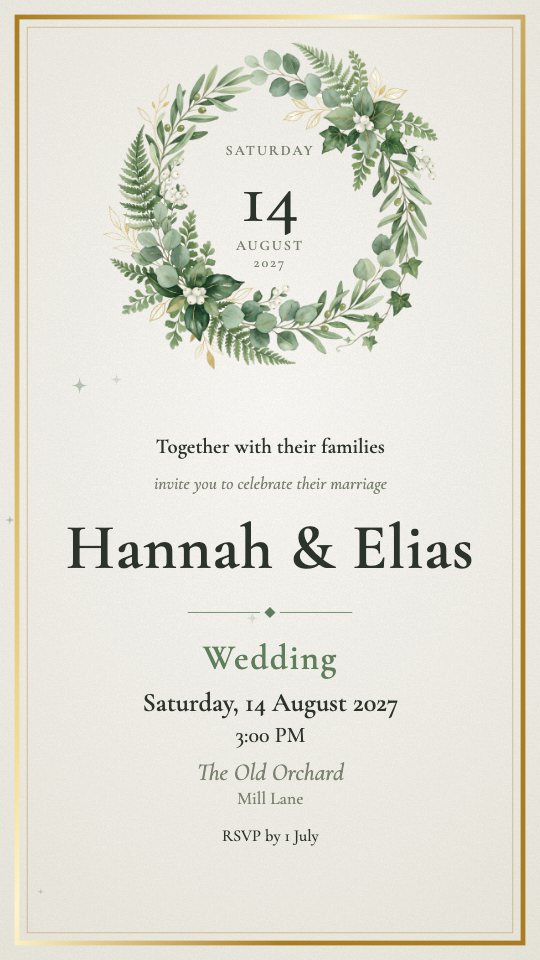
Greenery
A wreath of eucalyptus, olive and fern round the date
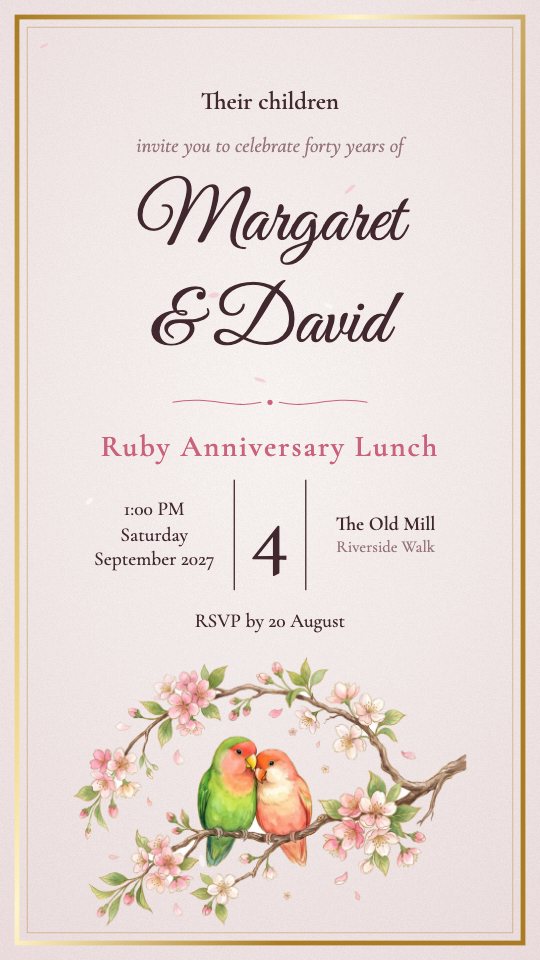
Lovebirds
Two lovebirds on a branch of cherry blossom
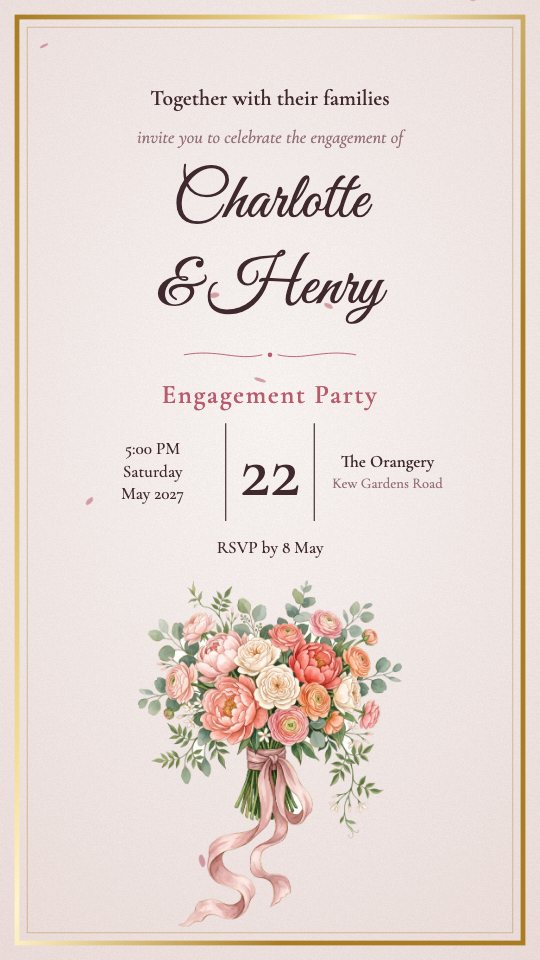
Bouquet
A hand-tied bouquet of peonies and garden roses
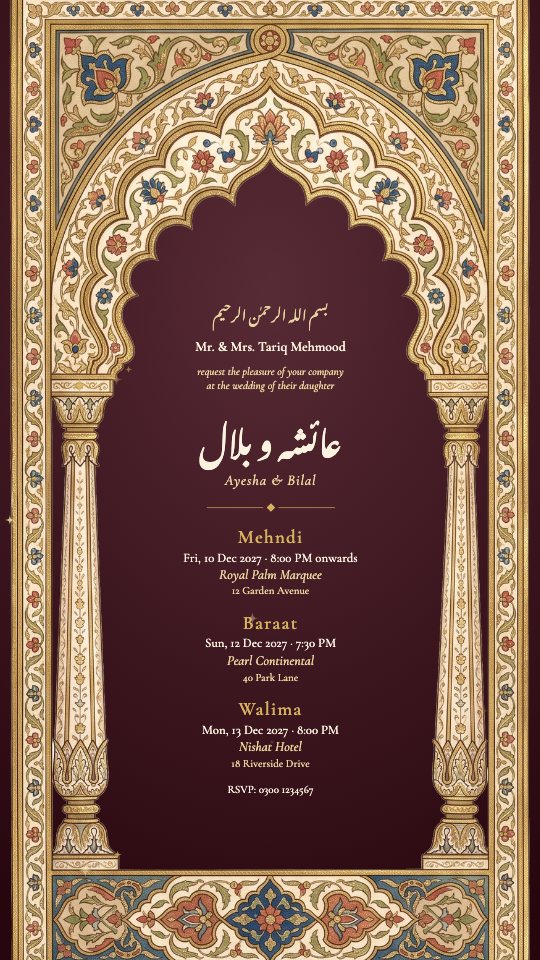
Shahi
A painted Mughal arch in gold and lapis
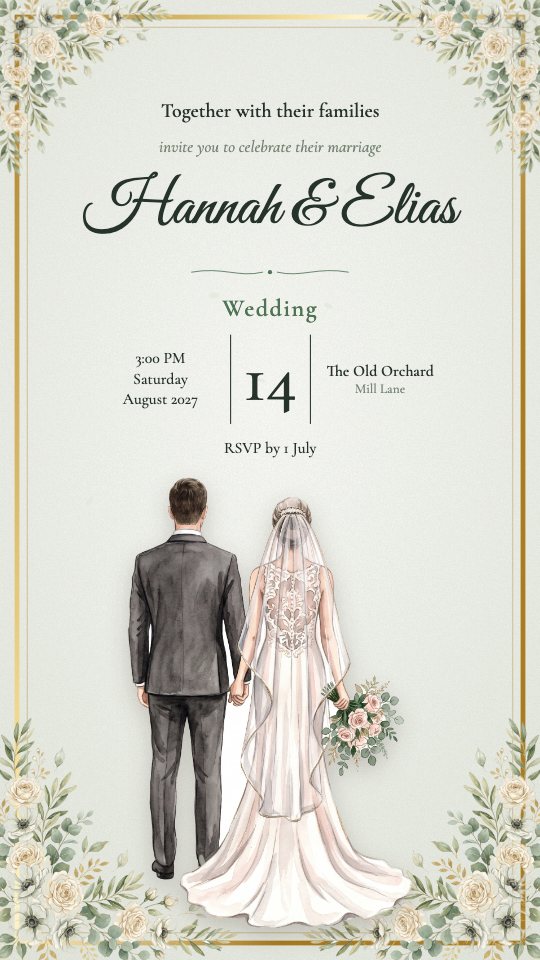
Vows
A bride in an ivory gown and a groom in a suit, hand in hand
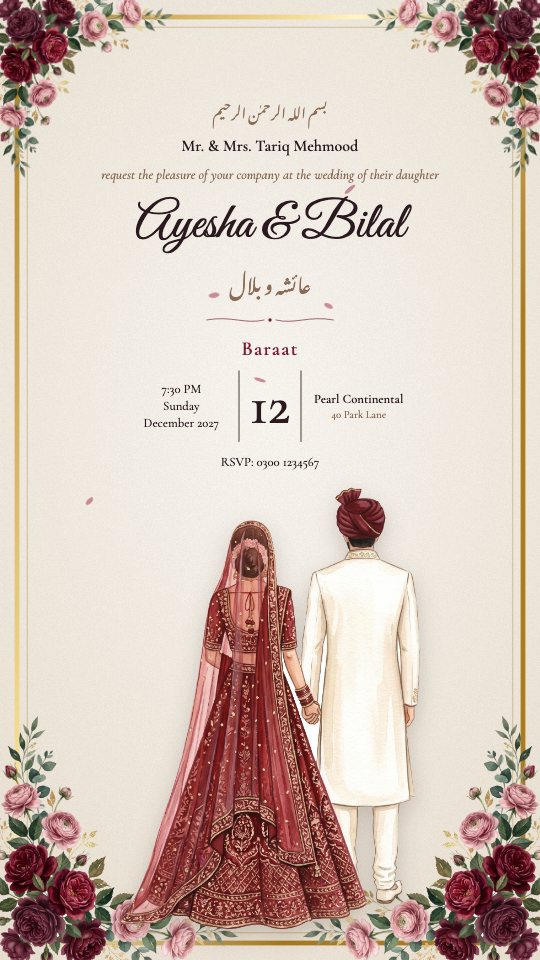
Jodi
An illustrated bride and groom, hand in hand
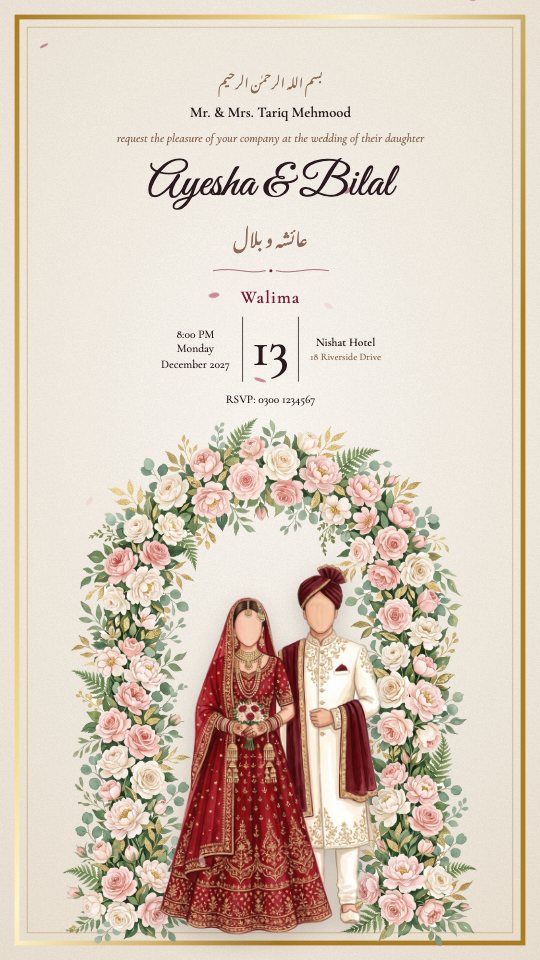
Humsafar
A faceless bride and groom under a flowered arch
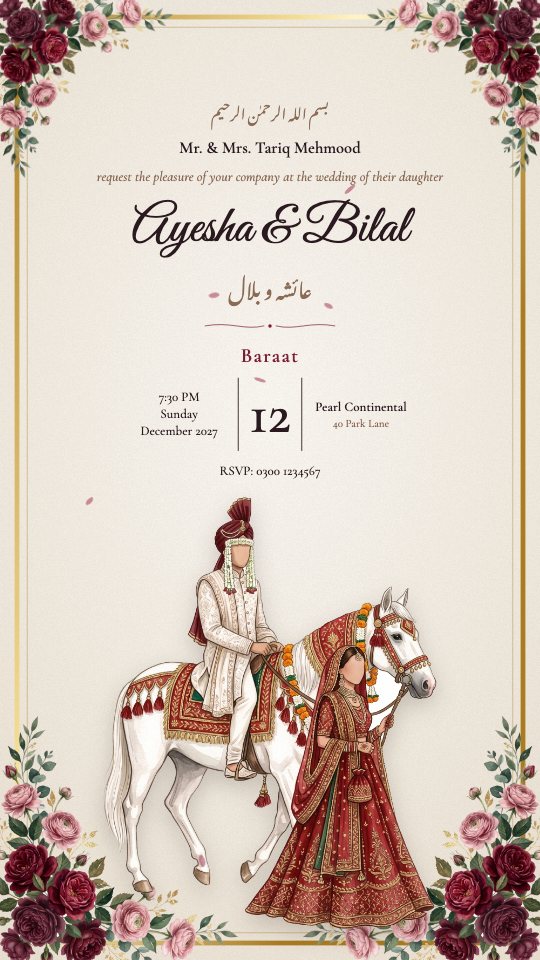
Baraat
The groom on his horse, the bride beside him
Wording to start from
Every wedding starts with wording like this, ready to edit. Add a second language beside the English if your guests read one.
Mr. & Mrs. Tariq Mehmood
request the pleasure of your company at the wedding of
Ayesha & Bilal
Your presence will be our honour
Usual programme, each with its own time, place and guest list: Wedding Ceremony, Reception, Welcome Dinner, Mehndi, Haldi, Sangeet, Nikkah, Baraat, Walima. Use any of them, rename them or add your own.
How it works
- 1
Fill in the essentials
Who it is for, the date, the time and the place. Add each part of the programme as its own event.
- 2
Pick a design
Change the colours, lettering and music, or add your own photo. The preview updates as you type.
- 3
Share one link
Send the video and the link on WhatsApp, Instagram, email or anywhere else. Guests need no app and no account.
- 4
Watch the replies arrive
Every answer and the headcount land on your dashboard, with reminders for anyone who has not replied.
See a finished one
These are real guest pages made here, with the film playing. Open one on your phone to see what your guests get.
A weddingIn two languages, with the film, a dress code, a map and the family's numbers for questions.Open the example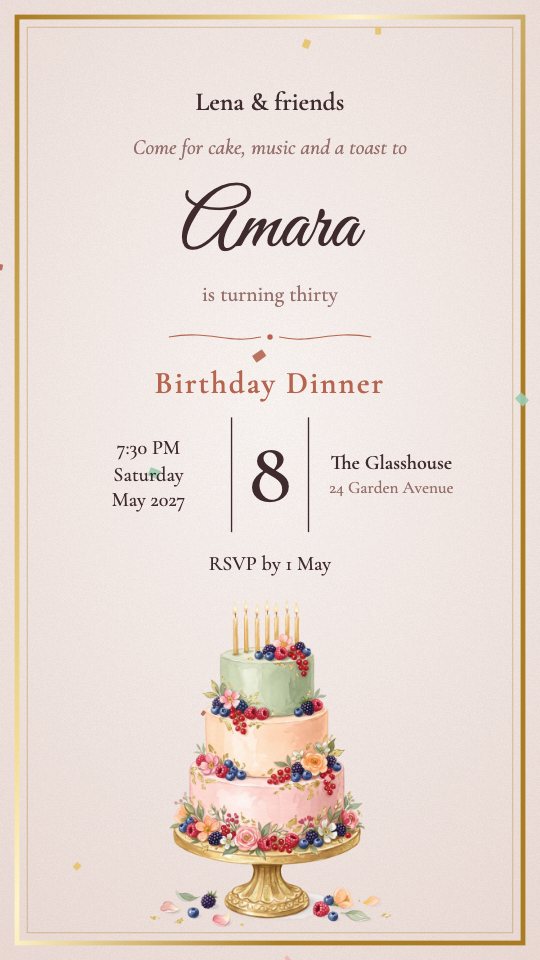 A birthday dinnerOne evening, one link: the film, the place, a map and a reply button.Open the example
 A company conferenceAn event headed by its own name, with a registration deadline and a programme note.Open the example
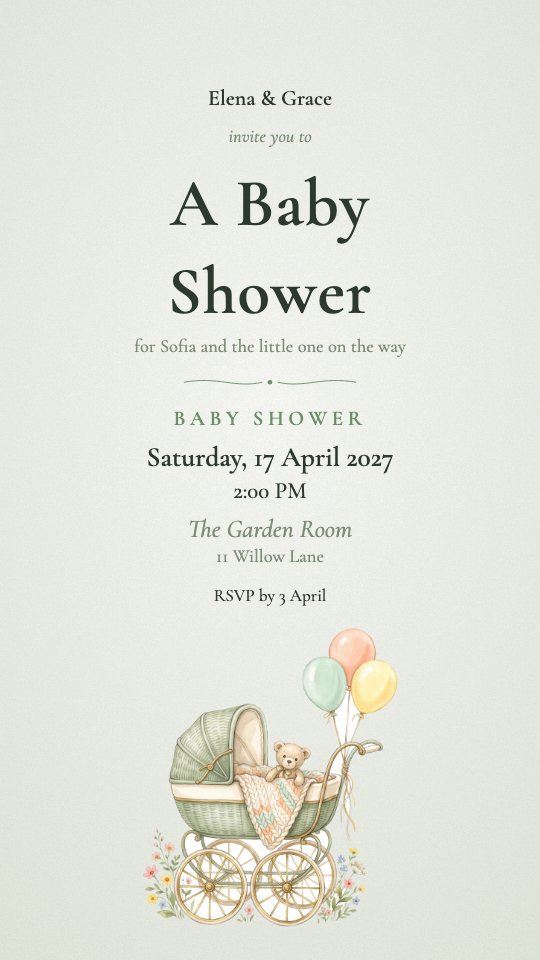 A baby showerA small afternoon with a wish list guests can claim from, so nobody brings the same thing.Open the example
Questions
- Can I make a wedding invitation for free?
- Yes. Create a draft, try every design and preview the video without paying. You only need a package to download the final files and switch the guest page on.
- Do guests need to install anything?
- No. They open a link in their browser. A personal link already knows who they are and which events they are invited to.
- Can I change the details after sending?
- Yes. Edit the date, time or venue and the page your guests open is updated at once; you can re-make the video with one tap.
- What if different guests are invited to different parts?
- Tick which events each guest is invited to. Their personal link shows only those, so nobody sees a day they are not part of.
Also in weddings: Engagement, Shower or pre-wedding party