Occasions · Work & community
Webinar or online event invitations your guests will actually open
An animated video to send on WhatsApp, a matching card, and a page with the details, a map and a reply button. A webinar, online class, virtual meetup or livestream, joined from anywhere.
Free to design and preview. No app for you or your guests.
Designs for a webinar or online event
Our picks for this occasion. Each comes in several colourways, and every other design in the gallery can be used too.
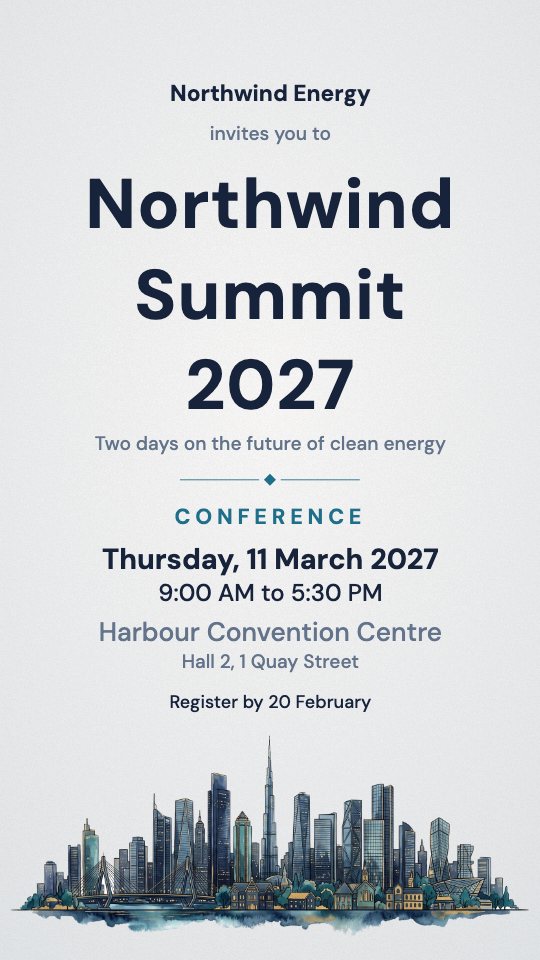
Metropolis
A watercolour city skyline in navy, teal and gold
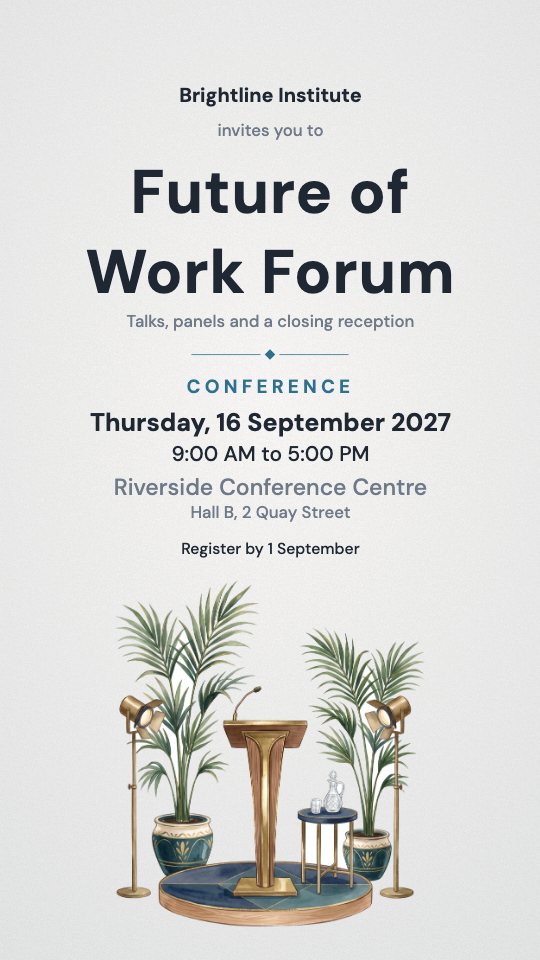
Keynote
A lectern and microphone between palms and stage lights
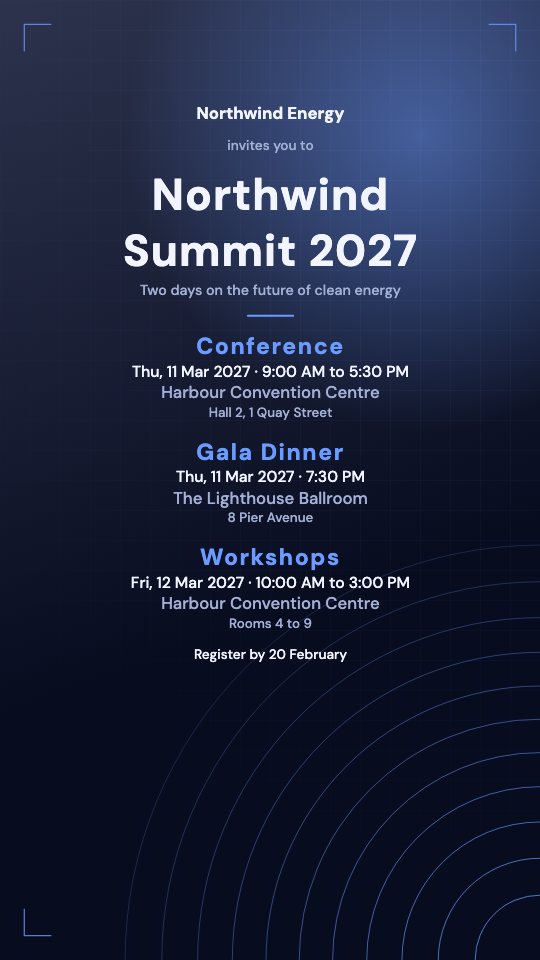
Summit
Dark and precise: a fine grid, rising contour lines and a soft glow
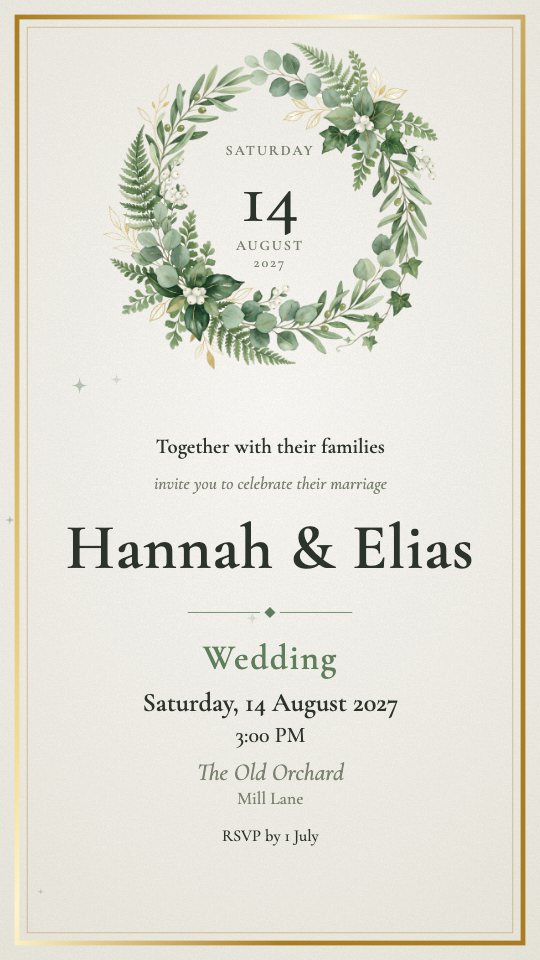
Greenery
A wreath of eucalyptus, olive and fern round the date
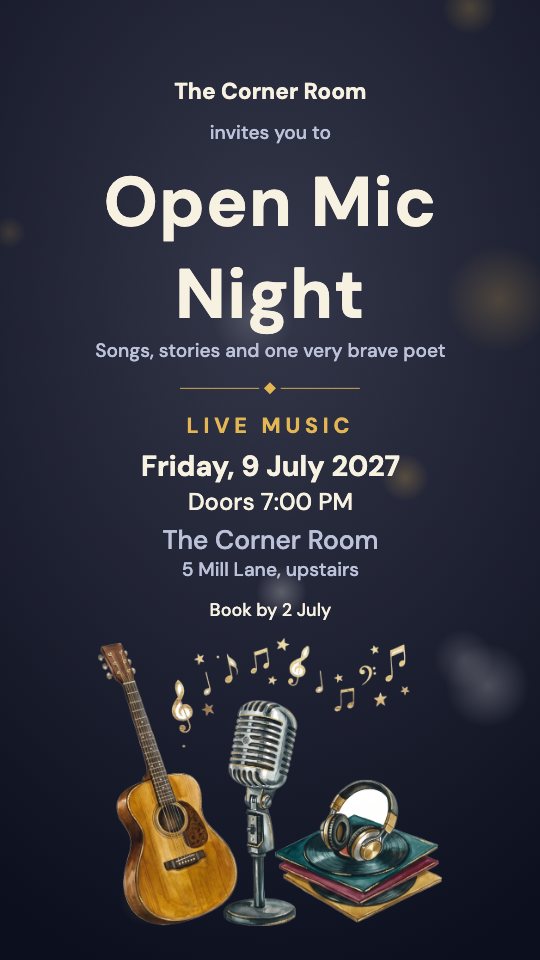
Encore
A vintage microphone, a guitar and a stack of records
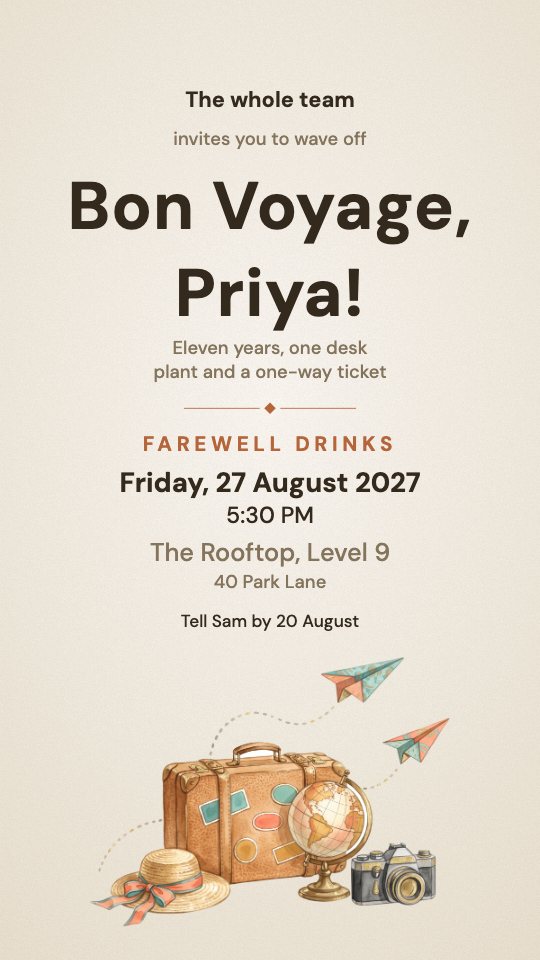
Bon Voyage
A well-travelled suitcase, a globe and two paper planes
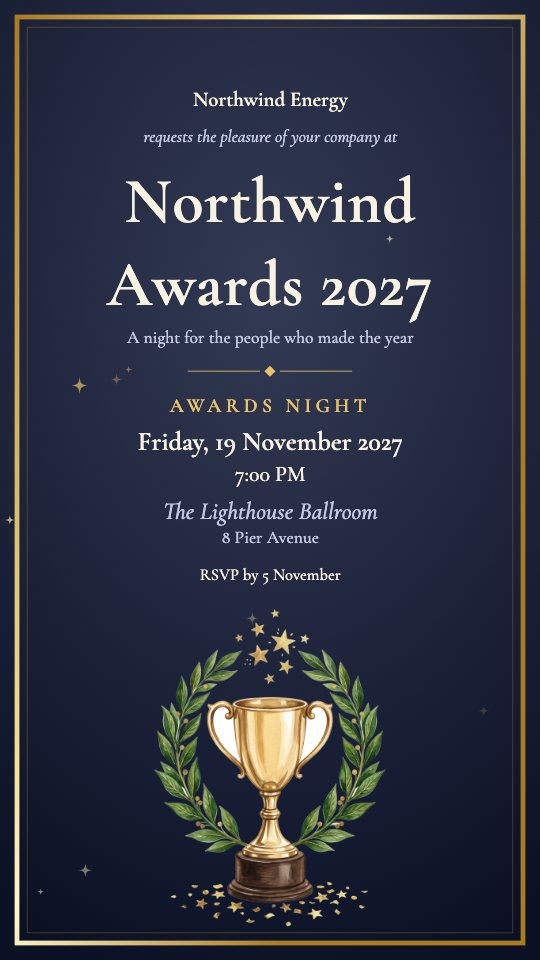
Accolade
A gold cup between laurel branches under a spray of stars
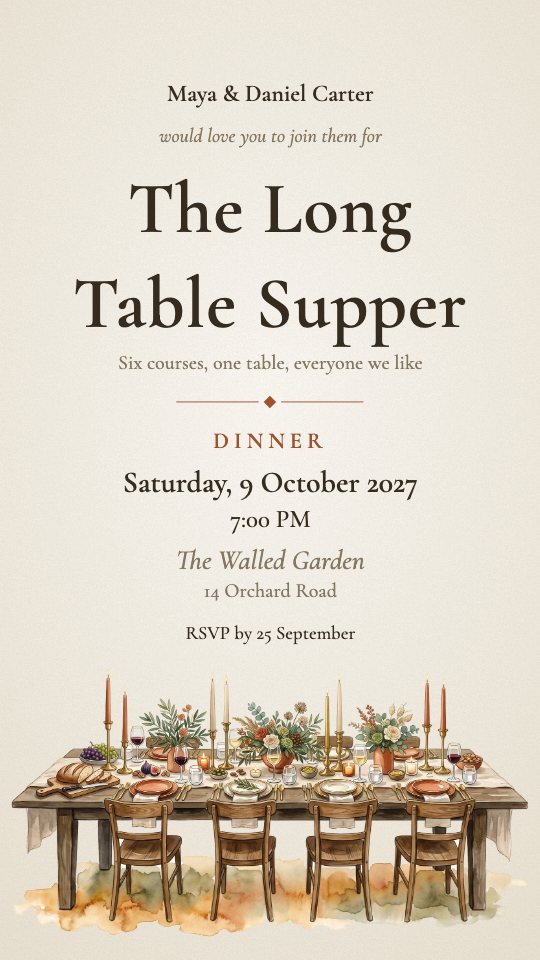
Supper
A long candlelit table laid for a feast
Wording to start from
Every webinar or online event starts with wording like this, ready to edit. Add a second language beside the English if your guests read one.
Northwind Energy
invites you to
Getting Started with Solar
Join from wherever you are
Usual programme, each with its own time, place and guest list: Webinar, Opening Session. Use any of them, rename them or add your own.
How it works
- 1
Fill in the essentials
The name of the event, the date, the time and the place. That is the whole form.
- 2
Pick a design
Change the colours, lettering and music, or add your own photo. The preview updates as you type.
- 3
Share one link
Send the video and the link on WhatsApp, Instagram, email or anywhere else. Guests need no app and no account.
- 4
Watch the replies arrive
Every answer and the headcount land on your dashboard, with reminders for anyone who has not replied.
See a finished one
These are real guest pages made here, with the film playing. Open one on your phone to see what your guests get.
A company conferenceAn event headed by its own name, with a registration deadline and a programme note.Open the example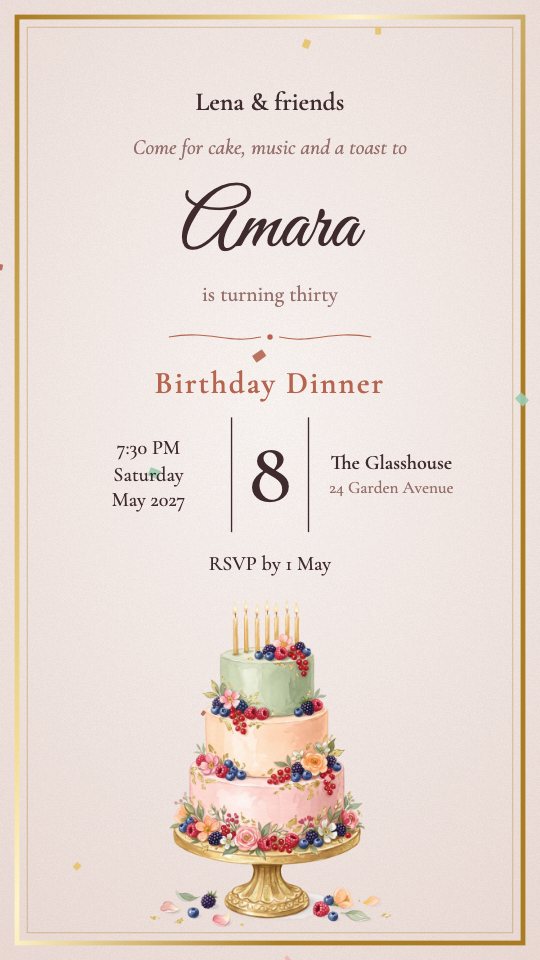 A birthday dinnerOne evening, one link: the film, the place, a map and a reply button.Open the example
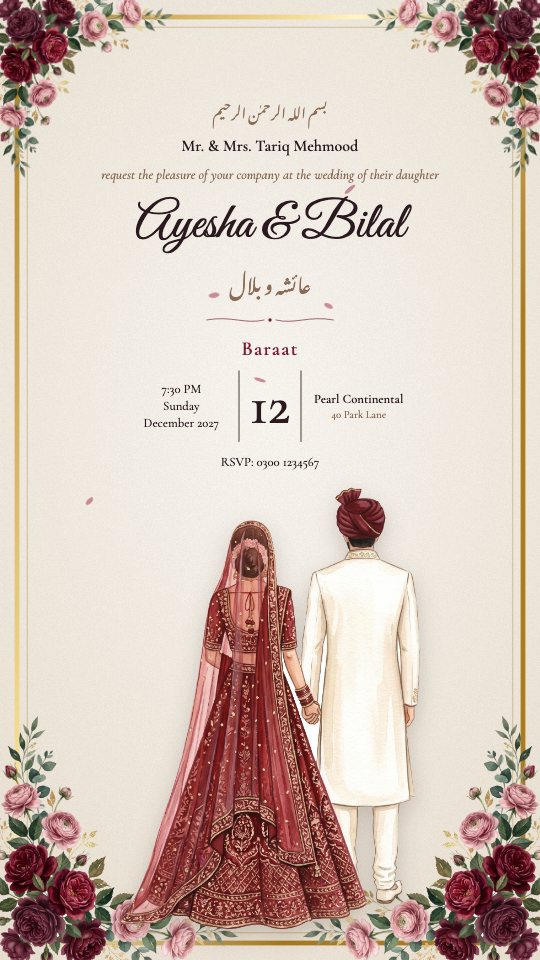 A weddingIn two languages, with the film, a dress code, a map and the family's numbers for questions.Open the example
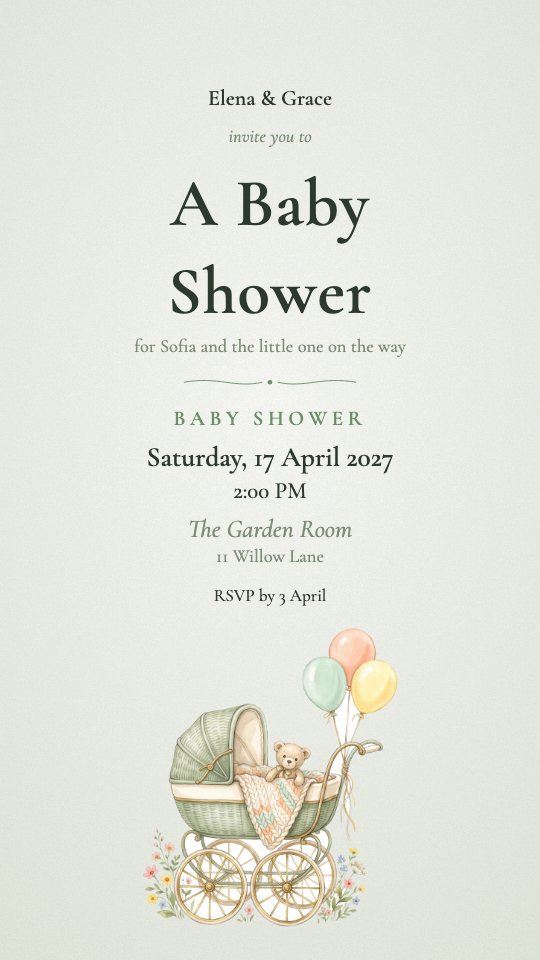 A baby showerA small afternoon with a wish list guests can claim from, so nobody brings the same thing.Open the example
Questions
- Can I make a webinar or online event invitation for free?
- Yes. Create a draft, try every design and preview the video without paying. You only need a package to download the final files and switch the guest page on.
- Do guests need to install anything?
- No. They open a link in their browser. A personal link already knows who they are and which events they are invited to.
- Can I change the details after sending?
- Yes. Edit the date, time or venue and the page your guests open is updated at once; you can re-make the video with one tap.
- Does it work for an online event?
- Yes. Mark the event as online and add the link to join: guests get a Join button and a calendar entry in place of a map.
Also in work & community: Conference or summit, Workshop, class or talk, Launch or opening, Gala, awards or formal dinner, Team event, Meetup or networking, Fundraiser or charity event, Open day or community event